


Jump to section
Valuecase, One Click Away in ChatGPT
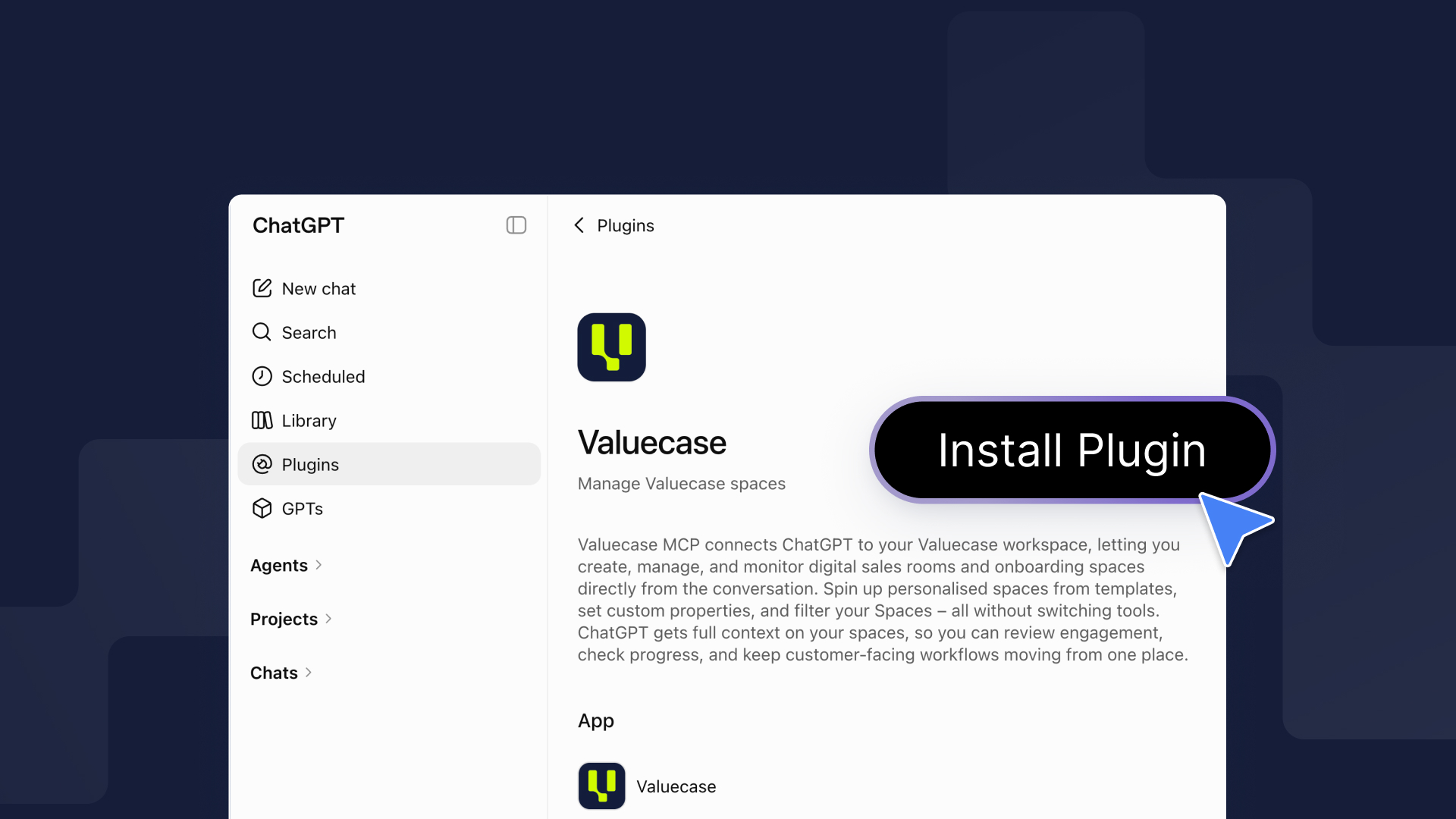
Valuecase is now listed in the ChatGPT plugin store. Search for it, click Install, sign in, and you're connected – no setup, no URLs to paste.
If your team runs on ChatGPT, that means you can now spin up and manage customer Spaces without ever leaving the chat.
What You Can Do With It
Once Valuecase is installed in ChatGPT, you can run your customer work in plain language:
Create a Space from context – "Create a Valuecase onboarding space for Acme." ChatGPT builds the workspace – content, timeline, action plan – ready to share.
Reschedule slipping tasks – "Acme needs two more weeks." Every open task date shifts forward, no clicking through each one.
Keep everyone in the loop – post progress updates as comments and read what customers submitted in forms, right from the chat.
Wrap up a finished onboarding – mark tasks done, post a congrats message, draft the handoff email, and archive – all in one prompt.
That's just the start. Teams also use it to chase stalled onboardings with context, launch onboarding straight from a closed deal, and run weekly customer status reports.
→ Browse the full AI use case gallery
Why It Matters
If your team already lives in ChatGPT, this removes the last step between "I should spin up a Space for this" and actually having one. The workspace gets created from the context you're already working with – so onboardings and deals get set up faster, and nothing sits in a tab waiting for you to switch over.
How to Get It
- Open the Valuecase app in ChatGPT.
- Click Install on the Valuecase plugin.
- Sign in with your Valuecase account.
FAQ
Is this different from the Valuecase MCP?
No. It's the same MCP – the plugin store is just an easier way to turn it on. If you already connected Valuecase via the MCP URL, nothing changes for you.
Do I need a paid ChatGPT plan?
You'll need a ChatGPT plan that supports plugins/apps. Your Valuecase account works on any Valuecase plan.
Does this cost extra?
No. The Valuecase MCP is included in all Valuecase plans.
Can I still connect Valuecase to Claude or other tools?
Yes. Valuecase is also listed in Claude's connector directory, so it's a one-click install there too. For any other MCP-capable tool, add https://mcp.valuecase.com/mcp as a custom connector – see the Valuecase MCP page.


