


Jump to section
How many tools did you open today before your first customer call?
Files live in Google Drive. Conversations happen in Slack or Teams. Meetings sit in your calendar, deals in your CRM. Every time you copy something from one to another, you lose time. Sooner or later, something gets missed.
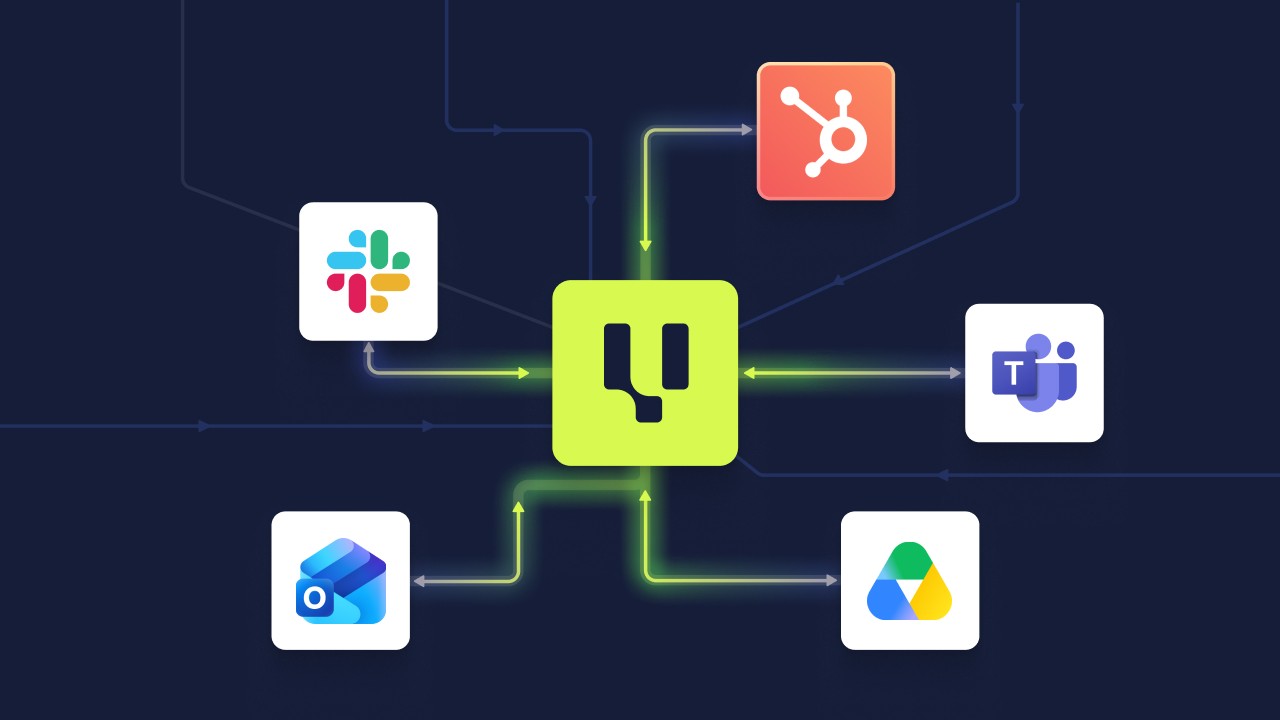
This release brings Valuecase closer to all of them.
Add Files Straight From Google Drive
Most of what you share with customers already lives in Google Drive. Until now, getting it into a Space meant downloading and uploading it again.
Now you pick files straight from Drive. It works in the Asset Library, in templates and in Spaces, for My Drive and Shared Drives.
You have two options:
- Link to the original file: The file stays in sync. Update it in Drive and your Space shows the new version. The file needs "anyone with the link" sharing, so your customer can open it. Valuecase warns you if it isn't set.
- Import as PDF: Valuecase stores a copy. Drive sharing settings don't matter, and the file your customer sees won't change.
To get started, connect your account once under "Connect my tools" in your profile. After that, you'll find Google Drive right in the add file dialog.
Slack & Teams: Only the Updates You Care About
Too many notifications, and people stop reading them.
The new activities filter lets you pick which Space activities show up in Slack or Microsoft Teams. Everything else stays quiet.
In Slack, you can also reply to customer comments straight from the notification. No need to open the Space for a quick answer.
Your Tasks, in Your Calendar
Last month, the task dashboard got a calendar view. Now your tasks can also show up in the calendar you check every morning.
Click "Add to calendar" in any calendar view of your task dashboard. You get a calendar feed you can subscribe to. It takes one click to add it to Google Calendar or Outlook.
HubSpot: Form Answers Straight Into Your Fields
Your customers tell you important things in forms: go-live dates, team sizes, the systems they use. Until now, someone had to copy those answers into HubSpot by hand.
You can now use form answers as placeholders in workflow actions. Pair that with the "Set HubSpot field" action, and each answer lands in the right HubSpot property on its own.
Say a customer picks their go-live date in the kickoff form. The date is on the deal before you've even read the submission.
Pipedrive: Connect It Yourself
In June, Pipedrive launched as a beta you had to ask us for. Now you can connect it yourself in your integration settings. It's available on the Growth and Scale plans, and during your trial.
Once connected, key Space metrics sync to custom fields on your Pipedrive deals, people and organizations. The sync runs when a Space is created, then on a regular schedule. Your pipeline stays up to date, and nobody has to copy numbers over.
On the Starter plan? You'll see an "Upgrade to connect" option. Pipedrive is part of Growth.
Your AI Agent Now Works With Outlook
Our AI agent already worked with Google Calendar. Now it works with Outlook, too. Connect your Outlook calendar, then:
- Ask what your week looks like, or whether you're free on Thursday afternoon
- Have the agent book the kickoff with your customer
- Approve every booking first. Nothing gets booked without your OK
- Get a Teams link in every meeting with attendees
The agent and our MCP can now also build and edit Gantt charts and form tables. So an AI-built Space can include a real project timeline and a real form table.
Quality of Life Improvements
- Multiple conditions in visibility automation: Combine several Space properties with AND.
- Reorder columns in form tables: Drag and drop while editing a table question. No more deleting and re-adding columns.
- Edit embedded links: Change the URL of a link or media embed via "Edit link". No need to rebuild the block.
FAQ
What's the difference between linking a Google Drive file and importing it as PDF?
A linked file stays in sync with Drive and needs "anyone with the link" sharing. An imported PDF is a copy stored in Valuecase. It works no matter how the file is shared in Drive.
Does Pipedrive data sync back into Valuecase?
Not today. The sync runs one way, from Valuecase into Pipedrive.
How quickly does my calendar show changes to my tasks?
Google Calendar and Outlook refresh subscribed feeds on their own schedule. Changes can take a while to show up.
Is calendar sync the same as the Outlook connector for the AI agent?
No. Calendar sync shows your tasks in your calendar. The Outlook connector lets the AI agent read your calendar and book meetings for you.
Will the AI agent ever book a meeting without asking?
No. You approve every booking first.


