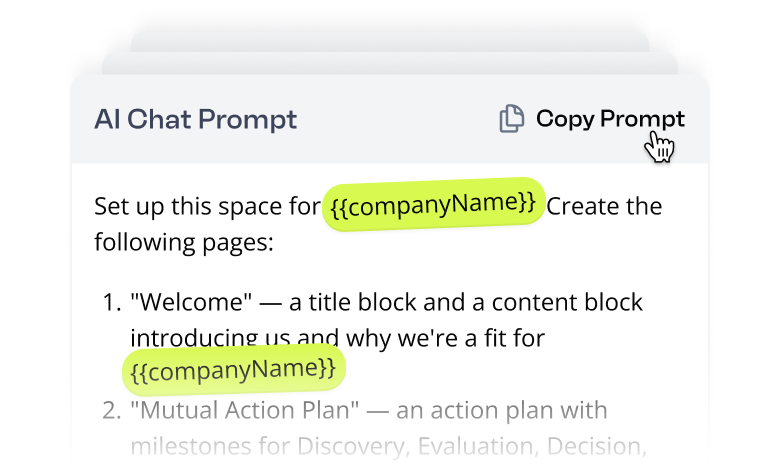
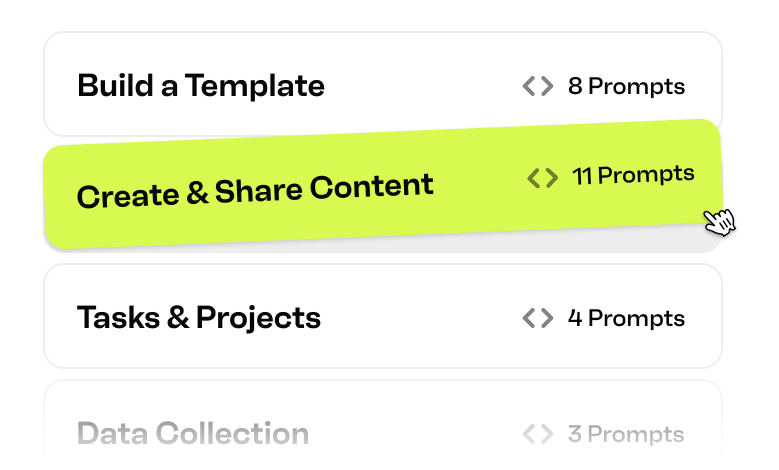
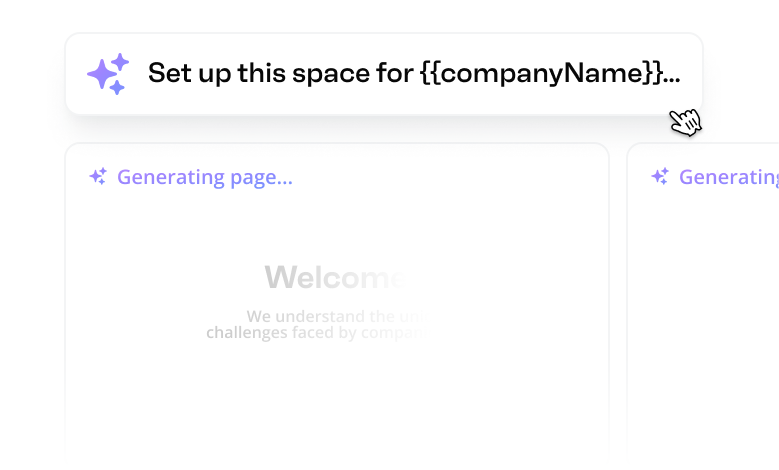
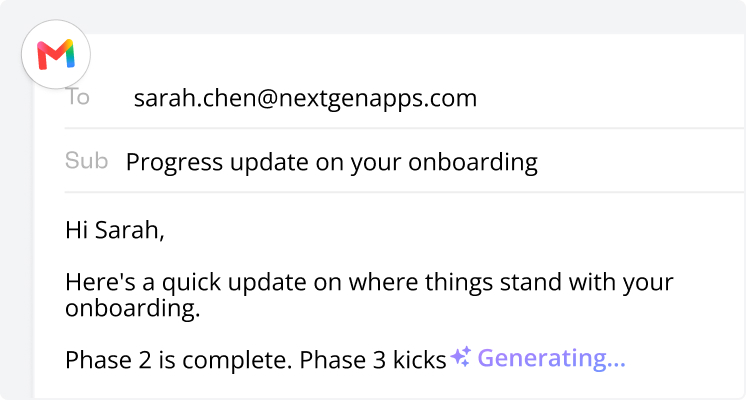
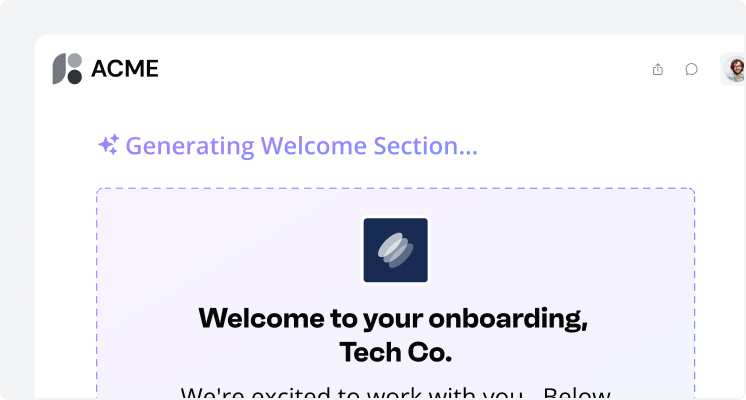
The Valuecase AI agent is an AI teammate built into Valuecase that creates and edits content, builds entire templates, manages action plans, and takes actions like drafting emails or scheduling meetings – all from a chat prompt. It works the same way in Spaces and Templates and can edit anything you've already built.
What is the Valuecase MCP?
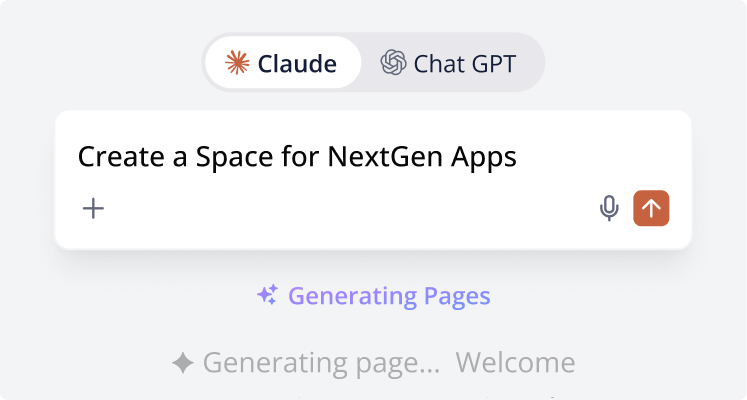
The Valuecase MCP is a Model Context Protocol server that connects AI tools like Claude, ChatGPT, or Cursor to Valuecase. Once connected, you can create and manage Valuecase Spaces directly from your prompts – without leaving your AI workflow. It powers the Automate use cases on this page, like onboarding risk scoring and weekly status reports.
How do I use the prompts on this page?
Most prompts you copy and paste into the Valuecase AI agent chat inside a Space or Template – you'll get a result in under 30 seconds. The Automate use cases instead run through the Valuecase MCP in your own AI tool, like Claude, ChatGPT, or an agent platform. Every prompt works as-is, but you can adapt the wording to your customer, product, or process.
Do I need technical skills to use these AI use cases?
No. Every use case runs on a plain-language prompt – no coding or prompt-engineering knowledge required. The in-app prompts need no setup at all. The Valuecase MCP use cases need a one-time connection: paste the URL https://mcp.valuecase.com/mcp into your AI tool's connector settings and sign in with your Valuecase account.
Which tools can Valuecase AI connect to?
Valuecase AI has built-in connectors for Gmail, Google Calendar, Google Drive, and HubSpot. You can also connect any custom MCP server – for example Jira, Linear, or ClickUp – to extend what the agent can do. Once connected, the agent can draft emails, schedule meetings, pull meeting transcripts, sync tasks to your project tool, and update CRM records directly from a Space.
What file types can the AI agent work with?
PDFs, Word docs, PowerPoint, Excel and CSV spreadsheets, plain text, markdown, and images (JPG, PNG, GIF, WebP) – up to 50MB per file. That's what powers use cases like turning a slide deck into Space pages or importing an action plan from a spreadsheet: the agent reads the file and builds structured content from it.
Can I use Valuecase from Claude or ChatGPT?
Yes. The Valuecase MCP works with Claude, ChatGPT, Cursor, Claude Cowork, and any other MCP-compatible AI tool. Once connected, you can create Spaces, update tasks, check onboarding progress, and manage accounts in natural language without leaving the conversation – even if your tool isn't listed in the setup instructions.
Can I automate recurring workflows like status reports or risk scoring?
Yes. The Automate use cases on this page – onboarding risk scoring, weekly status reports, Monday morning briefings, re-engaging stalled onboardings – are built with the Valuecase MCP in Claude Cowork, n8n, Zapier, Make, or LangChain. Inside Valuecase, you can also build Automations triggered by Space events like a completed form or task.
Do Valuecase AI and the Valuecase MCP cost extra?
No. The Valuecase AI agent and the Valuecase MCP are both included in all Valuecase plans at no extra cost. You can try every use case on this page in the 14-day free trial – no credit card required.
Is my data safe when I use these AI features?
Yes. Valuecase never trains LLMs on your customer data. The Valuecase MCP authorizes through your own Valuecase account, so your AI tool only accesses data you already have access to. If you don't want to use AI, you can turn off all AI features at any time.
Try Valuecase for 14 days – No strings attached
No more juggling between tools, spreadsheets, or constant follow-ups.