Available End of May

AI for customer-facing work

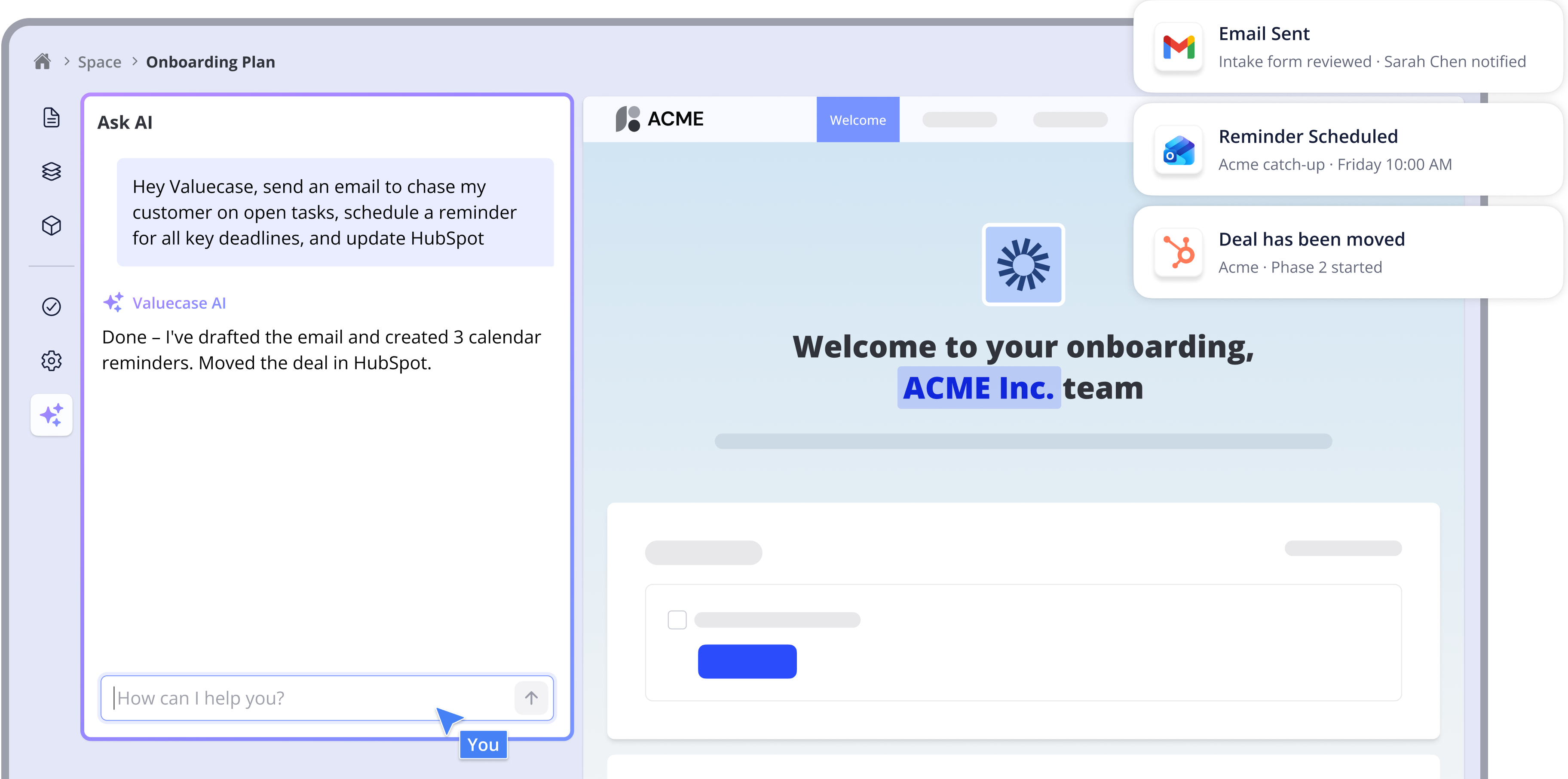
Runs your Valuecase Spaces, drafts emails, schedules reminders, and plugs into the tools your team already uses.
Live launch webinar
Tue, June 9 · 15:00  CET
Reserve seat ->

Trusted by leading SaaS, Tech & Services companies around the globe

LIKE A TEAMMATE

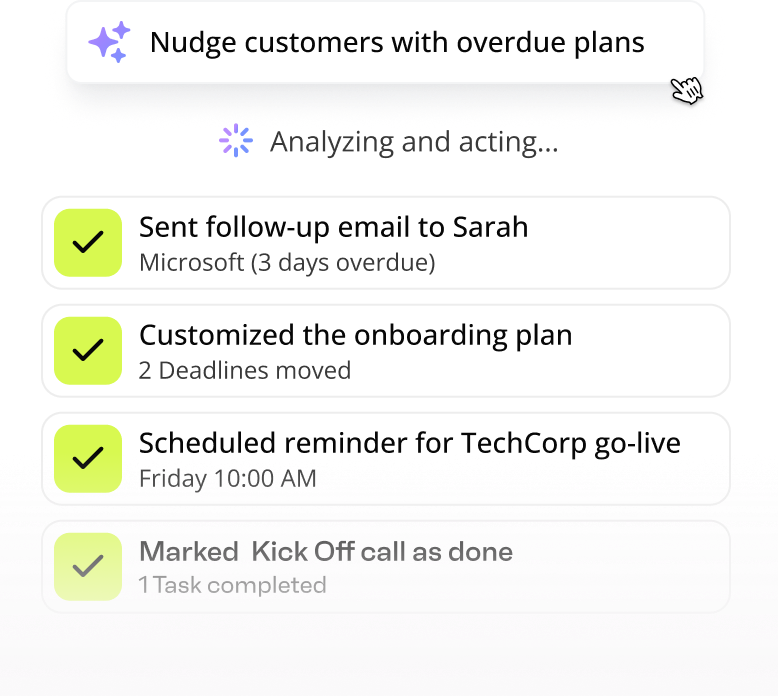
Your Valuecase Agent can build, edit, & take action

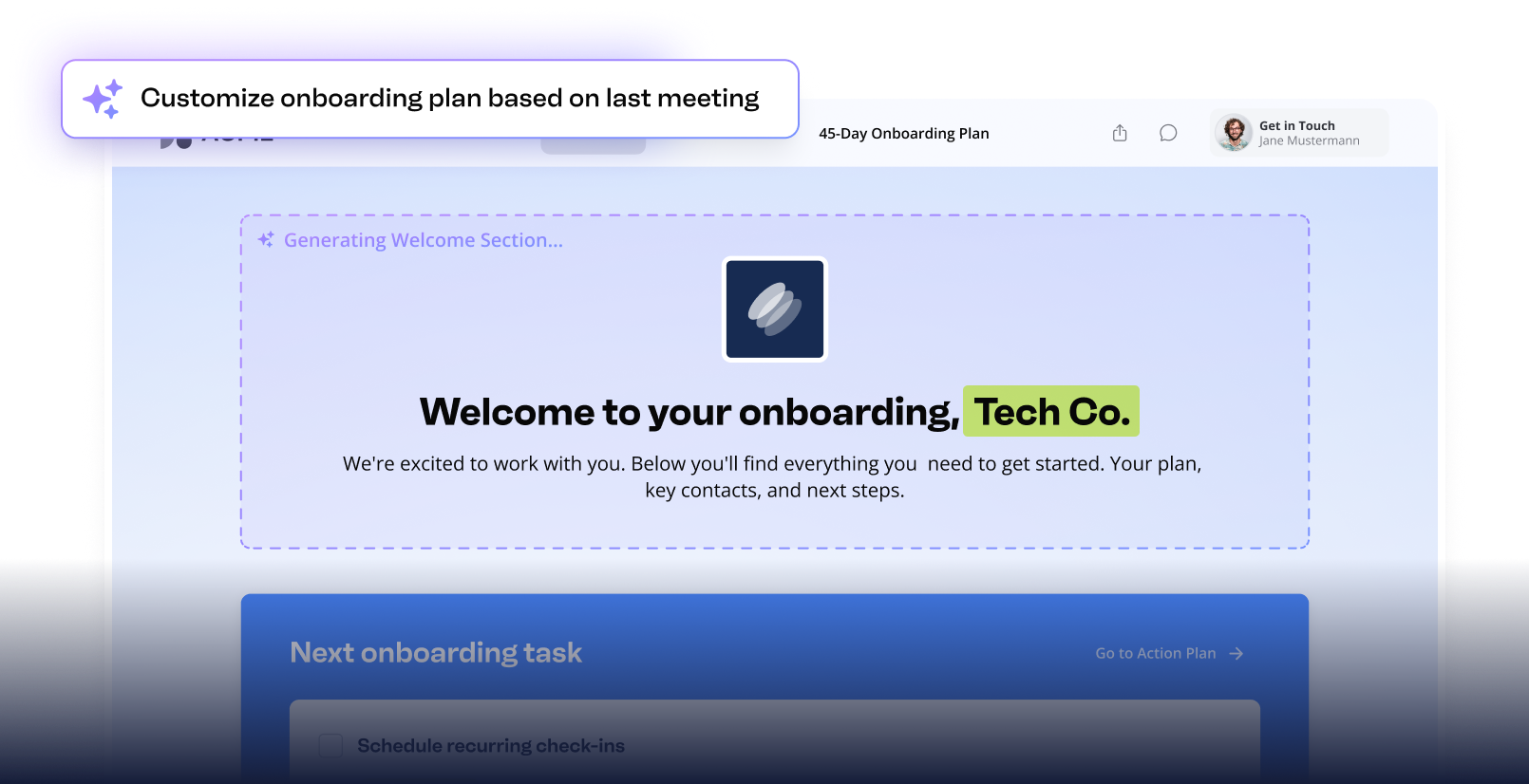
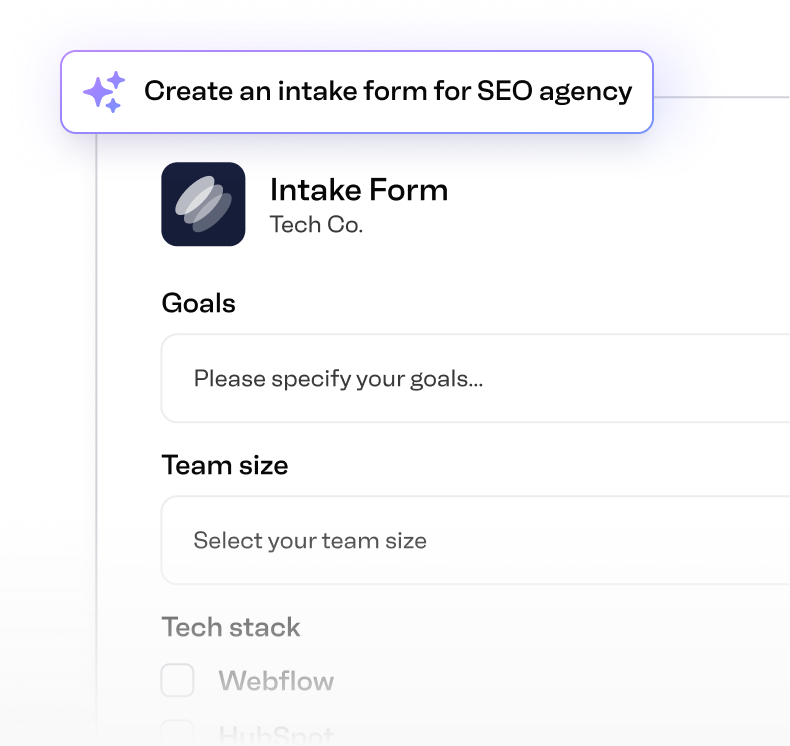
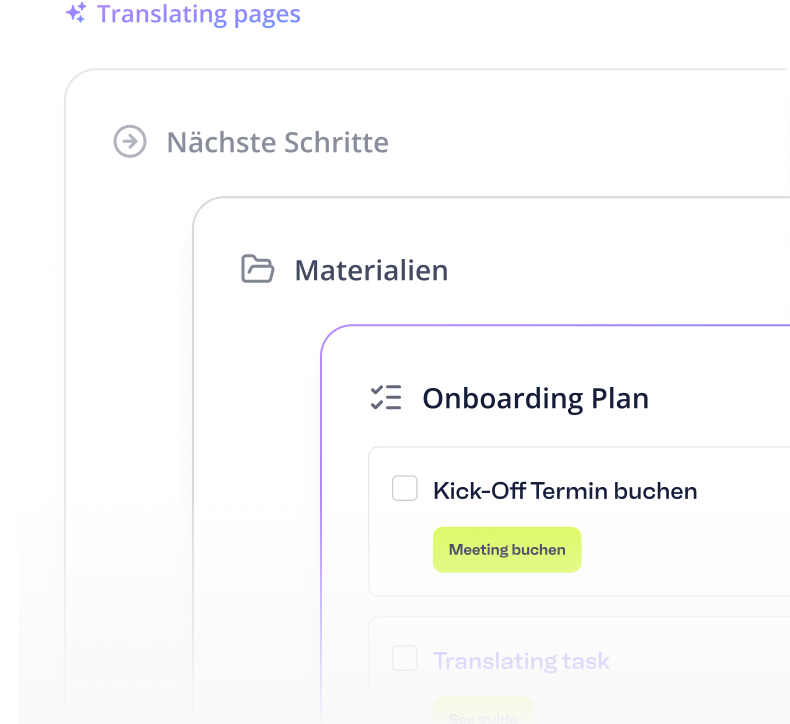
Valuecase AI creates templates from your input and materials, translates, and edits content. Connect it to your tools to send emails, tailor Spaces from meeting transcripts, and more.

AUTOMATIONS

Custom agents to automate repetitive work

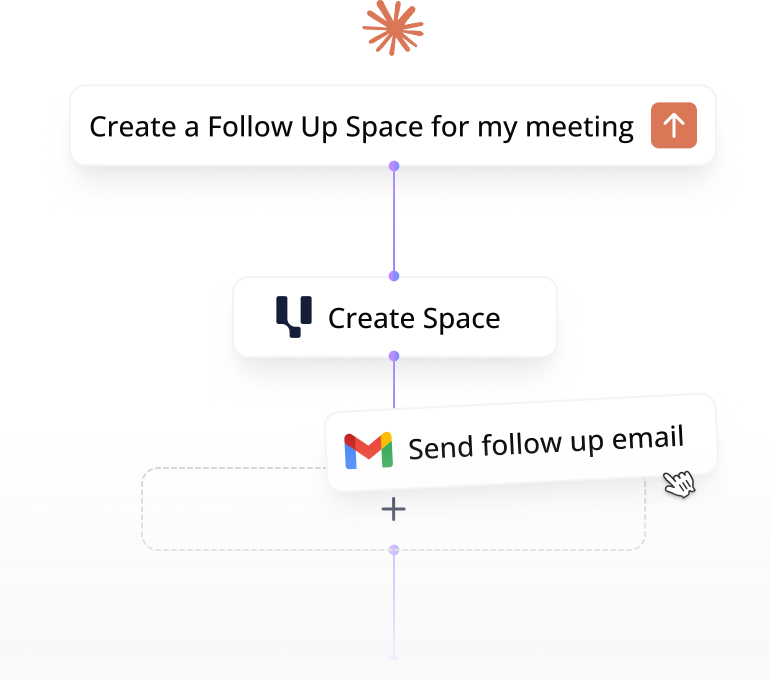
Build autonomous AI agents inside Valuecase. Pick a trigger – form filled, task complete, status changes – add AI steps, and Valuecase runs the flow on every matching Space.

VALUECASE MCP

Connect your AI Agent to Valuecase MCP

Claude, ChatGPT, Cursor, or any custom agent your team builds can read Valuecase data and create new Spaces with our MCP.

“Our teams love to use Valuecase. It's easy. It's simple. And they just realized it's a gamechanger for them.“
Marteen Dermul
CRO @ WorkMotion
FAQ

Questions you might have

How can Valuecase AI help me?
Valuecase AI enables you to create content faster and easier. It also enables you to create custom visualizations in Valuecase (instead of e.g. Powerpoint). Advanced users can connect their AI Agents to Valuecase using our MCP.
Is Valuecase AI training on my data?
No, we are never training LLMs on your data.
Does Valuecase AI cost extra?
No, Valuecase AI is currently included in all packages at no extra cost.
How do I get access to Valuecase MCP?
You'll find the documentation in our help center.
I don't want to use it, can I turn it off?
Yes, you can turn off all our AI features.
What can Valuecase AI build inside a Space?
Pages, blocks, action plans, forms, accordions, embeds, milestone trackers, file blocks, and custom HTML visualizations – and entire templates from scratch. The AI works the same way in Spaces and Templates and can edit anything you've already built.
What file types can I upload?
PDFs, Word docs, PowerPoint, Excel and CSV spreadsheets, plain text, markdown, and images (JPG, PNG, GIF, WebP). Up to 50MB per file. The AI reads the content and uses it to create or update Spaces.
Which tools can I connect to Valuecase AI?
We offer built in connectors for Gmail, Google Calendar, Google Drive, HubSpot. You can also connect any custom MCP. Once connected, the AI can draft emails, schedule meetings, pull meeting notes, and update CRM records directly from a Space.
Does Valuecase AI work in other languages?
Yes. You can prompt Valuecase AI in any language, and it can translate full templates with a single prompt – saving days of manual work for international teams.
What's the difference between Valuecase AI and the Valuecase MCP?
Valuecase AI is the agent that lives inside your Spaces – it builds, edits, and takes action for you. The Valuecase MCP makes Valuecase available as a tool inside other AI tools like Claude, ChatGPT, or custom agent builders – so you can create Spaces and check progress without leaving your AI workflow.

Try Valuecase for 14 days – No strings attached

No more juggling between tools, spreadsheets,
or constant follow-ups.
No credit card required
14-day free trial
Test ALL features