


Jump to section
The Chrome Extension, Rebuilt
The Valuecase Chrome extension has always had one job: keep your customer engagement in reach while you work in other tools – your CRM, your inbox, your calendar.
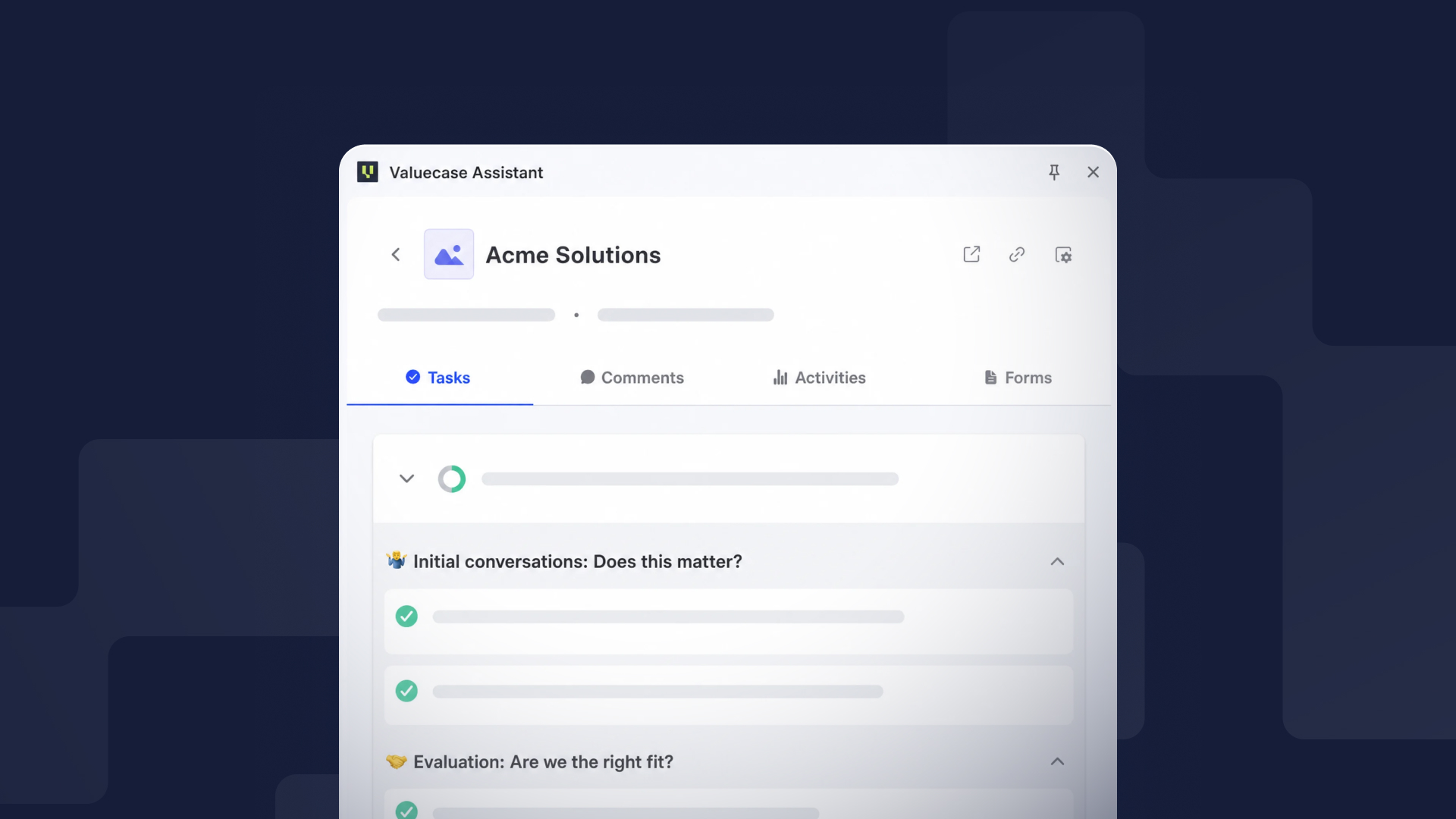
Until now, it did that with a plain text list. Functional, but a far cry from the experience inside Valuecase. With this update, the extension looks and works like the space details panel you already know from the app.
What's New
A redesigned space list – every Space now shows the company logo, activity count, and last visit at a glance. Search sits right at the top, and Copy Link and Open Space are one click away.
Full space details – click into any Space and you get the real thing: tasks with your action plan progress, comments, activities, and form submissions. No more switching to Valuecase just to check where an onboarding stands.
Customizable tabs – choose which tabs you see in the extension. It uses the same settings as your space sidebar, so it's configured once and consistent everywhere.
Why It Matters
If you manage onboardings or deals, your day rarely happens inside one tool. The extension puts your customer context next to whatever you're doing – update your CRM while checking the action plan, or scan customer activity before replying to an email. Fewer tabs, faster answers.
How to Get It
The update rolls out automatically to everyone with the extension installed. New to it? Install the Valuecase extension from the Chrome Web Store and sign in with your Valuecase account.
FAQ
Do I need to do anything to get the update?
No. If you have the extension installed, it updates automatically.
Which tabs can I show in the extension?
Tasks, comments, activities, and forms. The visible tabs follow your space sidebar settings.
Does this cost extra?
No. The Chrome extension is included in all Valuecase plans.


